 WebBrain
Persistent browser infrastructure
Persistent browsers that branch with your work.
Open a browser once. Keep its logins, tabs, task sessions, and workflows. Fork it into an independent browser when the work needs to split.
The WYSIWYG programmable browser in the cloud.
What you see is what you get. A full browser you and your agent can both use. Watch the page, handle a manual step, and run your next task through the API — all in the same session.
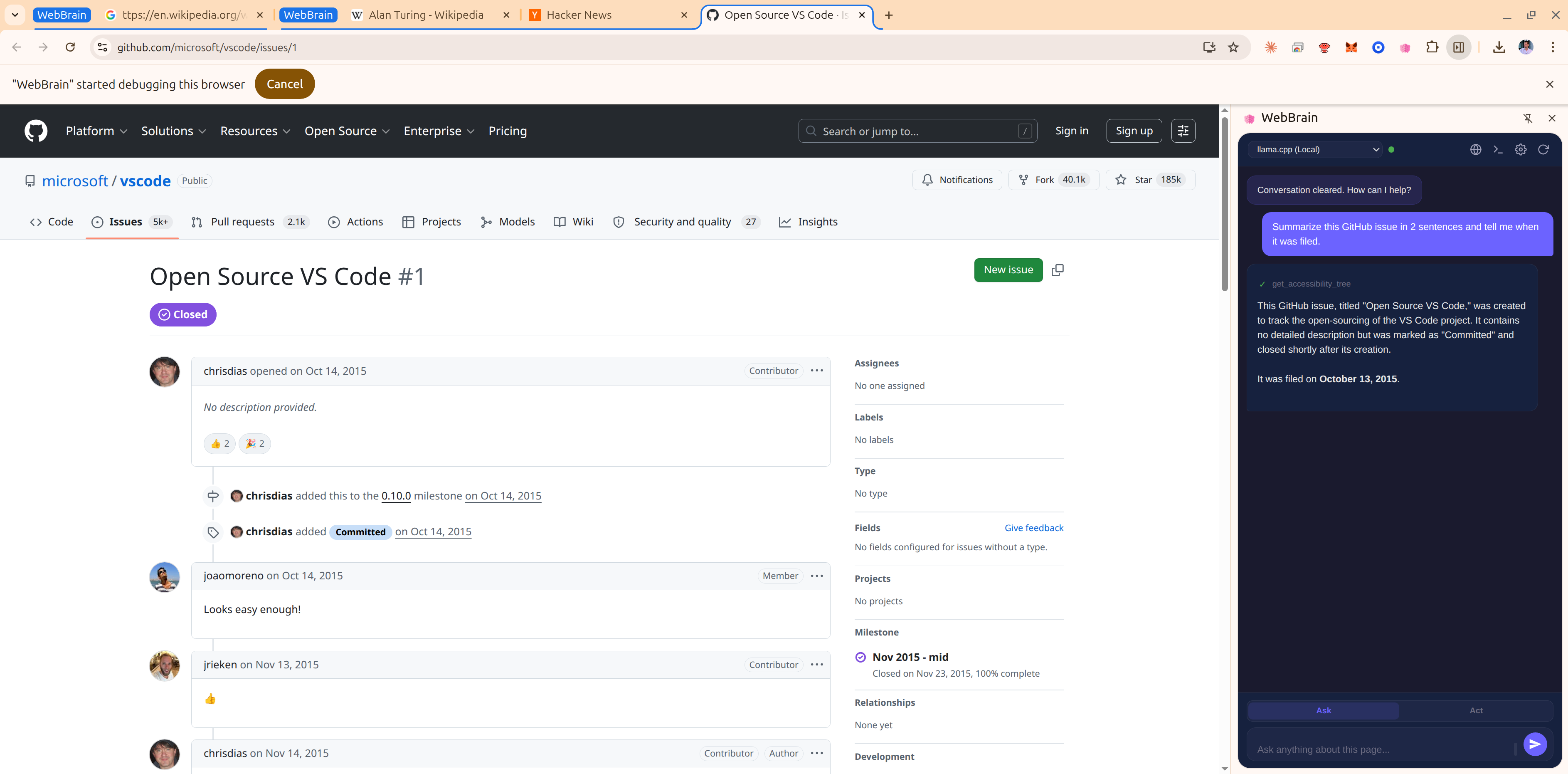
See the whole browser.
Open the live browser from your dashboard. See the page, tabs, and WebBrain interface together, with the context you need to understand a run.
Take the controls.
Sign in, navigate, or handle a step yourself in the remote browser. Your agent uses that same session when you start its next task.
Branch the work.
Fork a paused browser into an independent copy of its profile, tabs, and completed task sessions. Turn repeated tasks into saved workflows.
A few things worth knowing.
How the browser works, what stays with your session, and what you pay for.
What does WYSIWYG mean here?
WYSIWYG means “what you see is what you get.” In WebBrain Cloud, you can see and interact with the full graphical browser your agent uses, including its tabs and WebBrain interface. Manual actions and API tasks happen in the same browser session.
Why can WebBrain Cloud cost more than other browser automation services?
WYSIWYG is our main differentiator. We run a full graphical browser, live desktop streaming, and the WebBrain agent together. That experience needs more CPU and memory than a lightweight headless setup, so we use a higher-spec server configuration. The price reflects the infrastructure behind a browser you can both see and control. See our pricing page for current rates and usage details.
Can I use it entirely from code?
Yes. Create a browser session, send tasks, read results, and replay saved workflows through the API. Use Node.js, Python, PHP, or REST. The visual browser is there whenever you want to inspect the session or handle a manual step. Start with the quickstart.
Will my browser remember its logins?
Normal browsers keep their profile on persistent storage. Pause and resume to return to the same browser, or fork a paused browser to create an independent copy with the same logins, tabs, and completed task context. Incognito browsers are discarded when destroyed.
How is Cloud different from the WebBrain extension?
The WebBrain extension runs in your own browser. WebBrain Cloud hosts the browser remotely and adds an API, session lifecycle controls, and saved workflows. You get the WebBrain interface in a browser that your code and agents can access in the cloud.